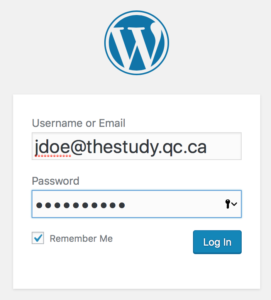
On the IT blog, you will need to enter a username and password to access the Tech Support ticketing system. Your username is your FirstClass email. Your password was given out at the staff meeting. Please take a moment and change the default password.
Click on the Tech Support Link. You will be prompted to log in in order to submit a ticket.

Log in using your email address and default password:
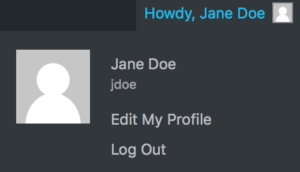
At the top right hand corner, the site will welcome you/ Point to the link and choose Edit My Profile:
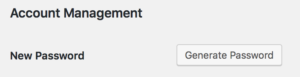
Scroll down to Account Management and click on Generate Password.
The site will offer a suggestion for a password:

Note: The suggestion is that of a very secure password. You can accept the suggestion OR type in anything you want to use.
Scroll to the bottom of the page and click on Update Profile:

That’s it. You’ve changed your password.